 KeenKit Tab Saver
Save your tabs. Keep a backup.
Save a window’s tabs or just the current tab. Find them again by title or URL, and recover recent changes with automatic local backups.
KeenKit Tab Saver is available from Microsoft Edge Add-ons and in review for Firefox Add-ons. Get it for Edge
What it does
Save from the toolbar
Save a single tab or a window. Use Close these tabs when you’re ready to close the saved tabs.
Find and reopen
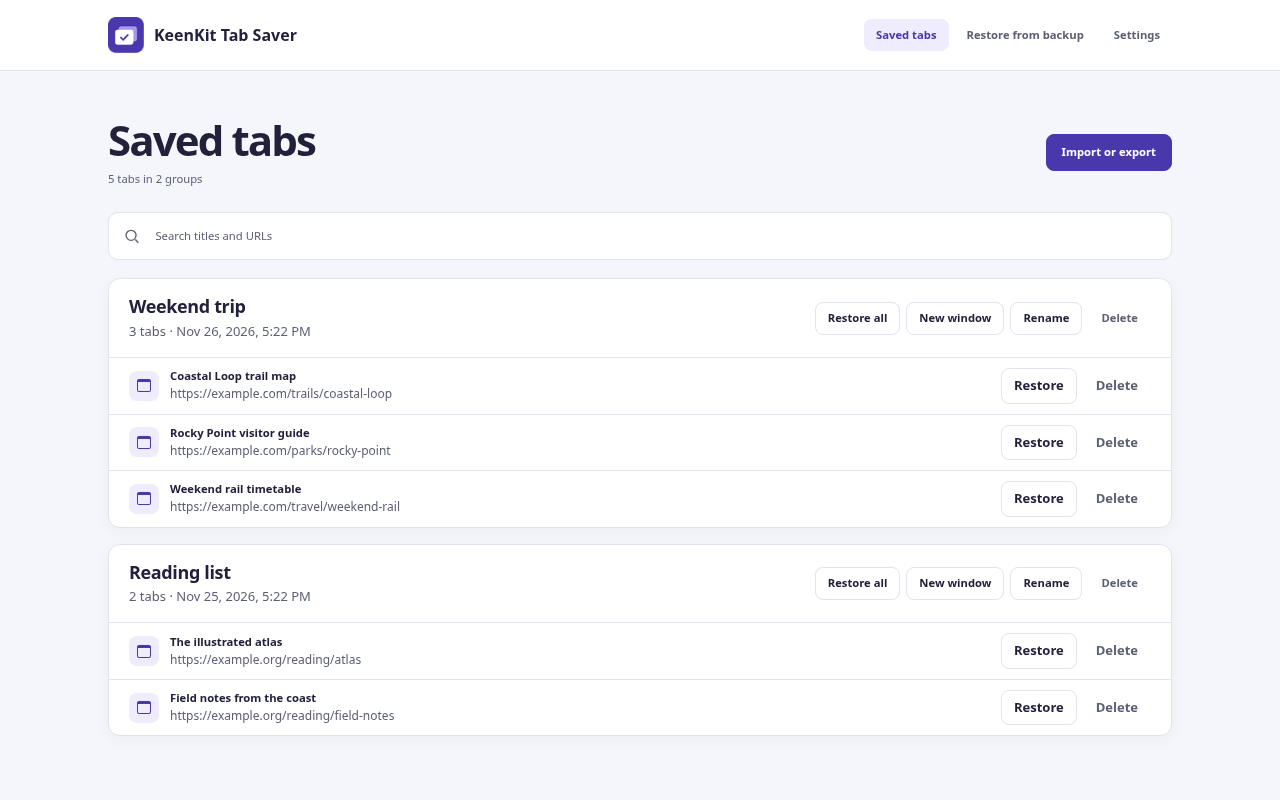
Name groups, search titles and URLs, and reopen a tab or a group in a new window.
Recover a previous version
Undo the latest deletion or pick an earlier local backup. Download JSON to keep a copy outside your browser profile.
Your library stays on your device
Automatic backups stay in this browser profile. Uninstalling the extension or losing the profile can remove your library and backups. Export a JSON backup and keep it somewhere safe to recover your library later.